





 +91 88949 00142
 +1 (307) 435-9605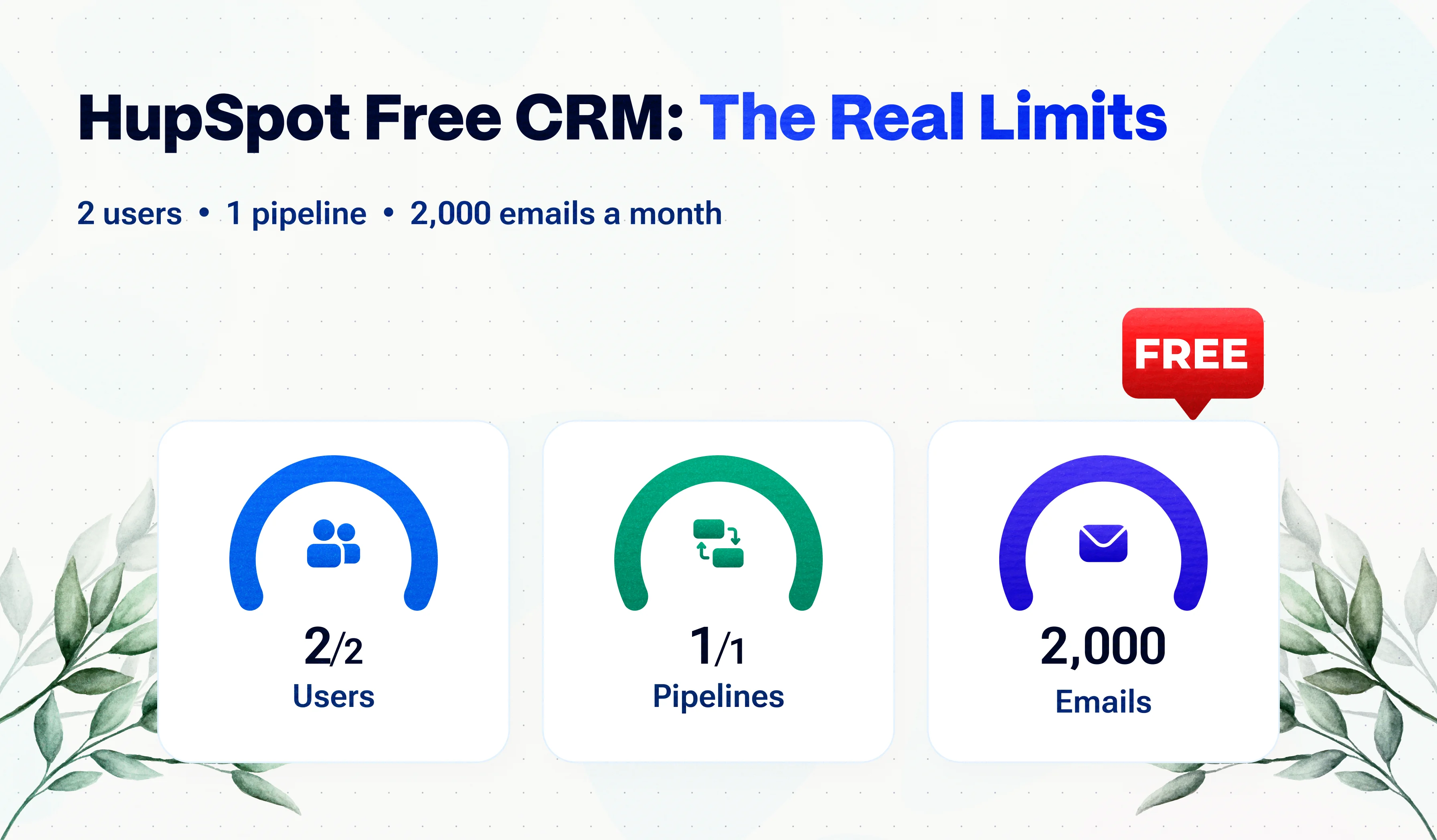
Suave Creators makes Suave CRM, which we mention as one alternative near the end. Every HubSpot limit below is linked to its source so you can check it.
HubSpot's free CRM is one of the best-known free tools in sales software, and for good reason: it is polished, easy to start with and has no time limit. But "free" has edges. They show up the day you hire a third person, add a second sales process or want your emails without someone else's logo.
Here is every limit that matters, what each one means in practice, and how to decide whether to stay, upgrade or switch.
Quick answer
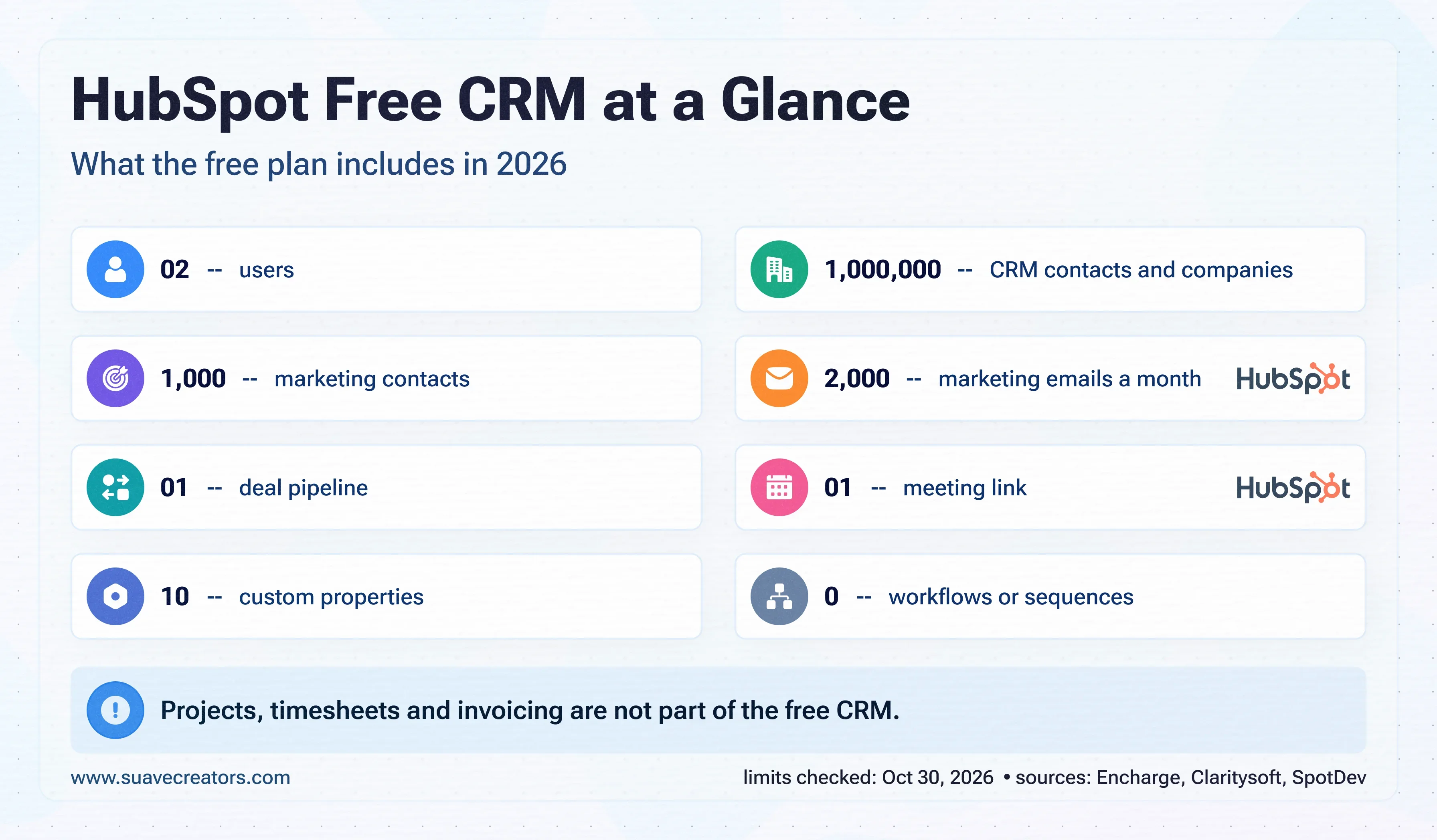
Yes, HubSpot's free CRM is free with no time limit, but it allows up to two users, one deal pipeline, 1,000 marketing contacts and 2,000 marketing emails a month, with HubSpot branding on emails, forms and meeting links. Workflows and sequences are not included. Adding a third user or removing branding requires a paid Starter seat.
HubSpot free CRM limits at a glance
| Feature | Free plan limit | What removes the limit |
|---|---|---|
| Users (seats) | Up to 2 | Paid seats (Starter or above) |
| CRM contacts and companies | Up to 1,000,000 | — |
| Marketing contacts | 1,000 | Marketing Hub paid tiers |
| Marketing emails | 2,000 sends a month, HubSpot branding | Starter and above |
| Deal pipelines | 1 | Starter and above |
| Custom properties | 10 | Paid tiers |
| Meeting scheduling links | 1, HubSpot branding | Starter and above |
| Forms, landing pages, live chat | Included, HubSpot branding | Starter removes most branding |
| Automation | 1 automated action and 1 automated email per form; no workflows or sequences | Professional for workflows |
| Calling | 15 minutes per user per month | Paid tiers |
| Reporting | Pre-built dashboards; no custom report builder | Professional for custom reports |
| Support | Community and self-serve | Paid tiers |
| Projects, timesheets, invoicing, HR | Not part of the free CRM | Separate tools |
Sources : Encharge, HubSpot pricing explained, updated October 2026; SpotDev, Is HubSpot free?, July 2026; Claritysoft, HubSpot free plan limitations, October 2026. HubSpot changes these often; check HubSpot's pricing page before deciding.
What each limit means for a growing agency
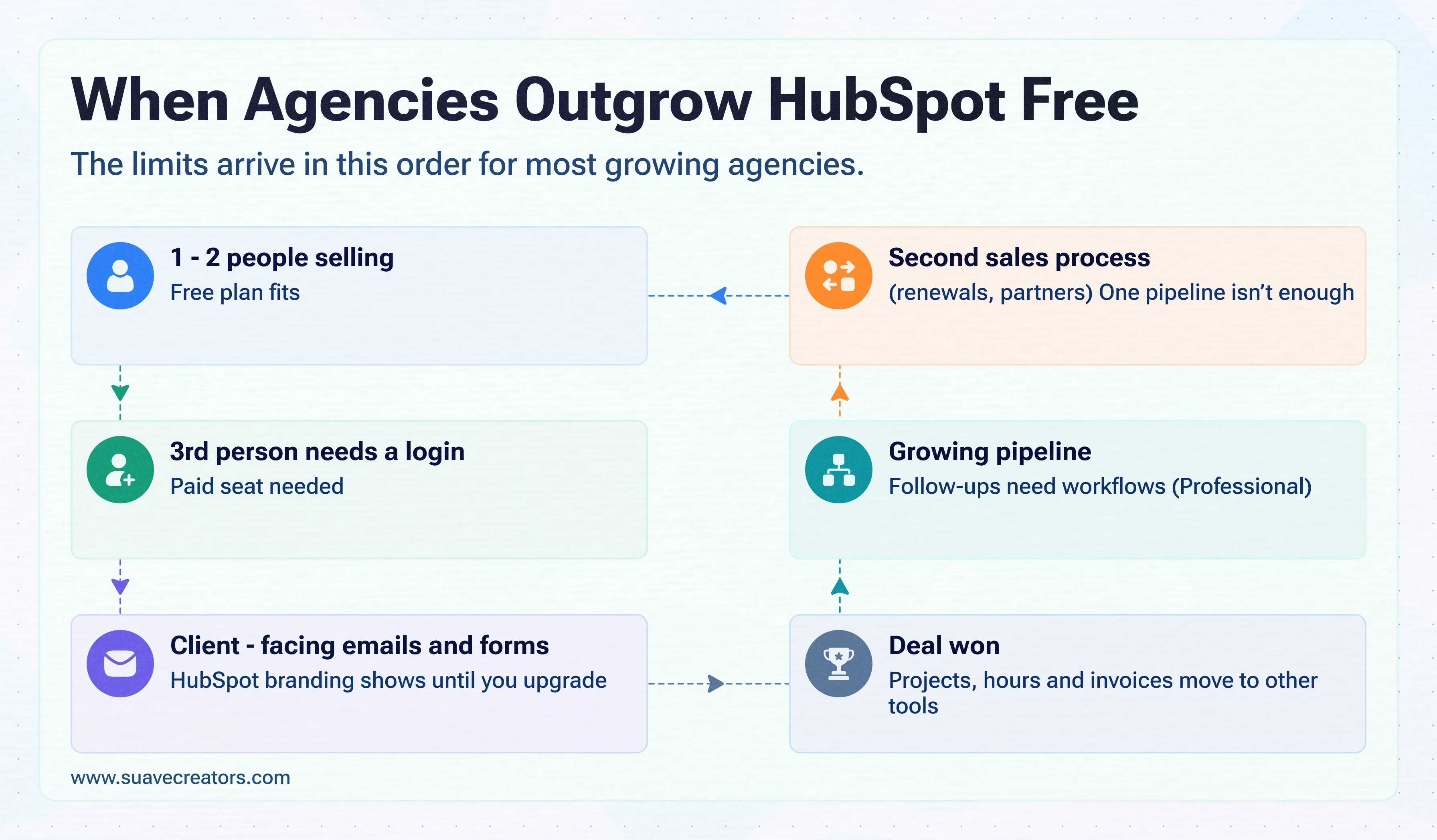
Two users
The limit you hit first. A founder and one salesperson fit; a project manager, a designer and a developer who need to see the client record do not. Teams often work around it by sharing one login, which breaks activity history and is against most software terms.
One deal pipeline
Fine for one sales process. Agencies that sell new projects and also manage retainer renewals or partner referrals usually want separate pipelines.
HubSpot branding
Your proposals, follow-up emails, forms and meeting links carry HubSpot's logo. For an agency selling its own brand and design quality, that is often the first upgrade trigger after users.
No workflows or sequences
Follow-ups, lead assignment and reminders stay manual. With one or two people that is manageable; with a growing pipeline, missed follow-ups cost deals.
No delivery tools
The free CRM ends when the deal is won. Projects, timesheets, invoicing and attendance live in other tools, so client details get copied by hand. Our guide to a CRM with time tracking and invoicing shows what connecting those steps saves.
What upgrading costs
| Tier | Typical price (USD) | What it adds |
|---|---|---|
| Starter | About 15-20 per seat per month, depending on billing | More seats, more pipelines, most branding removed, simple sequences |
| Sales Hub Professional | About 90-100 per seat per month on an annual commitment, plus a USD 1,500 one-time onboarding fee | Workflows, sequences at scale, custom reports, forecasting |
Sources : Claritysoft (Starter USD 20 per seat); Encharge (Sales Hub Professional USD 100 per seat, onboarding fees). Prices vary by region, billing and promotions.
For a 10-person agency: 10 Starter seats at USD 20 is about USD 200 a month. Ten Sales Hub Professional seats at USD 100 is about USD 1,000 a month plus USD 1,500 onboarding in year one, or USD 13,500 in the first year. Neither price includes project, time-tracking or invoicing tools.
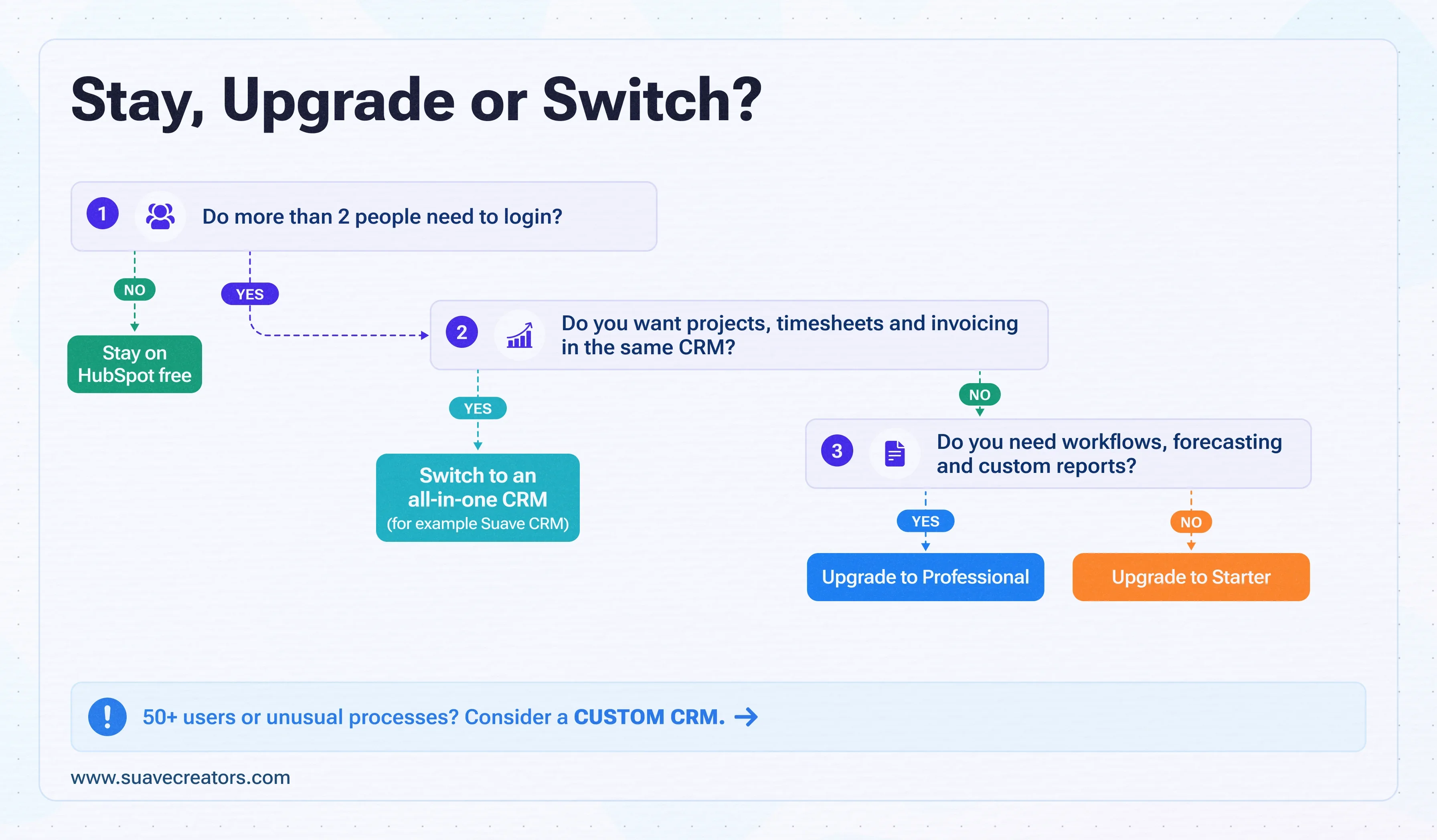
Stay, upgrade or switch?
- Stay on HubSpot free if one or two people sell, you have one sales process, and branding on emails is acceptable.
- Upgrade to Starter if you need a few more seats and no branding, and you already handle projects and billing in tools you like.
- Upgrade to Professional if automation, forecasting and custom reports drive your sales, and the per-seat cost fits your margins.
- Switch to a CRM that includes delivery if your whole team needs a login and you also want projects, timesheets and invoicing in the same place.
- Build your own if you have 50+ users or unusual processes; see our analysis of replacing HubSpot with a custom CRM.
Hit the two-user limit already? See how Suave CRM handles a whole team for free.
HubSpot free alternatives for agencies
If the user limit is the problem, compare free plans on how many people they allow and what they include beyond sales:
- Zoho CRM Free : up to three users ; projects, invoicing and HR are separate Zoho apps.
- Bitrix24 Free : basic CRM plus tasks ; time tracking and invoices are on paid plans.
- Suave CRM : sales pipeline, projects, timesheets, HR and invoicing, free for small and mid-size companies. Built by us; a web app, with Gmail as the email connection.
The full side-by-side is in our guide to the best free CRM for agencies.
Outgrowing HubSpot free? Try the whole-team option. Bring your contacts across with a CSV and run your next client in Suave CRM: deal, project, hours and invoice. It's free for small and mid-size companies, with no payment needed.
Start using it free · Book a quick demo
How to move off HubSpot free without losing data
Move your records
- In HubSpot, export contacts, companies and deals (each object exports as a CSV or XLSX file).
- Export notes and email history you need; keep the files as an archive.
- Clean duplicates and map HubSpot deal stages to the new CRM's stages.
- Import companies first, then contacts, then deals, so the links between them hold.
- Run both systems for a week, then stop updating HubSpot.
The bottom line
HubSpot's free CRM is a strong start for one or two people selling. Its limits are fair for a free product, but they arrive quickly for agencies: the third login, the branding, and the absence of projects, time and billing. Decide based on what your whole team needs to do in the CRM, not just the sales pipeline.