





 +91 88949 00142
 +1 (307) 435-9605
Picture this: your marketing campaign goes viral. Traffic to your platform spikes 10x overnight. And instead of celebrating, your team is scrambling because the site is down.
Your web app works fine today. But what happens when traffic triples overnight? This guide breaks down what scalable web application development actually means, from cloud architecture and microservices to AI-powered performance and security, so your platform grows with your business instead of breaking under it.

It's one of the most painful moments in any tech company's story - because it happens right when things should feel like a win.
The problem almost always traces back to the same root cause: the application was built to work, not built to grow. And those are two very different things.
This guide is about that second thing - building web applications that can handle whatever comes next, whether that's 100 users or a million.
What Scalability Actually Means (And Why Most Teams Get It Wrong)
Scalability gets thrown around a lot. But in plain terms, it means your application can handle more - more users, more data, more transactions - without slowing down or falling over.
Where teams go wrong is treating scalability as something to think about later. "We'll fix the architecture once we have more users." It's understandable - when you're early stage, shipping features matters more than perfecting infrastructure. But there's a point where that trade-off stops working, and it usually hits at the worst possible time.
The good news is you don't need to over-engineer from day one. You just need to make the right foundational choices - the kind that don't box you in later.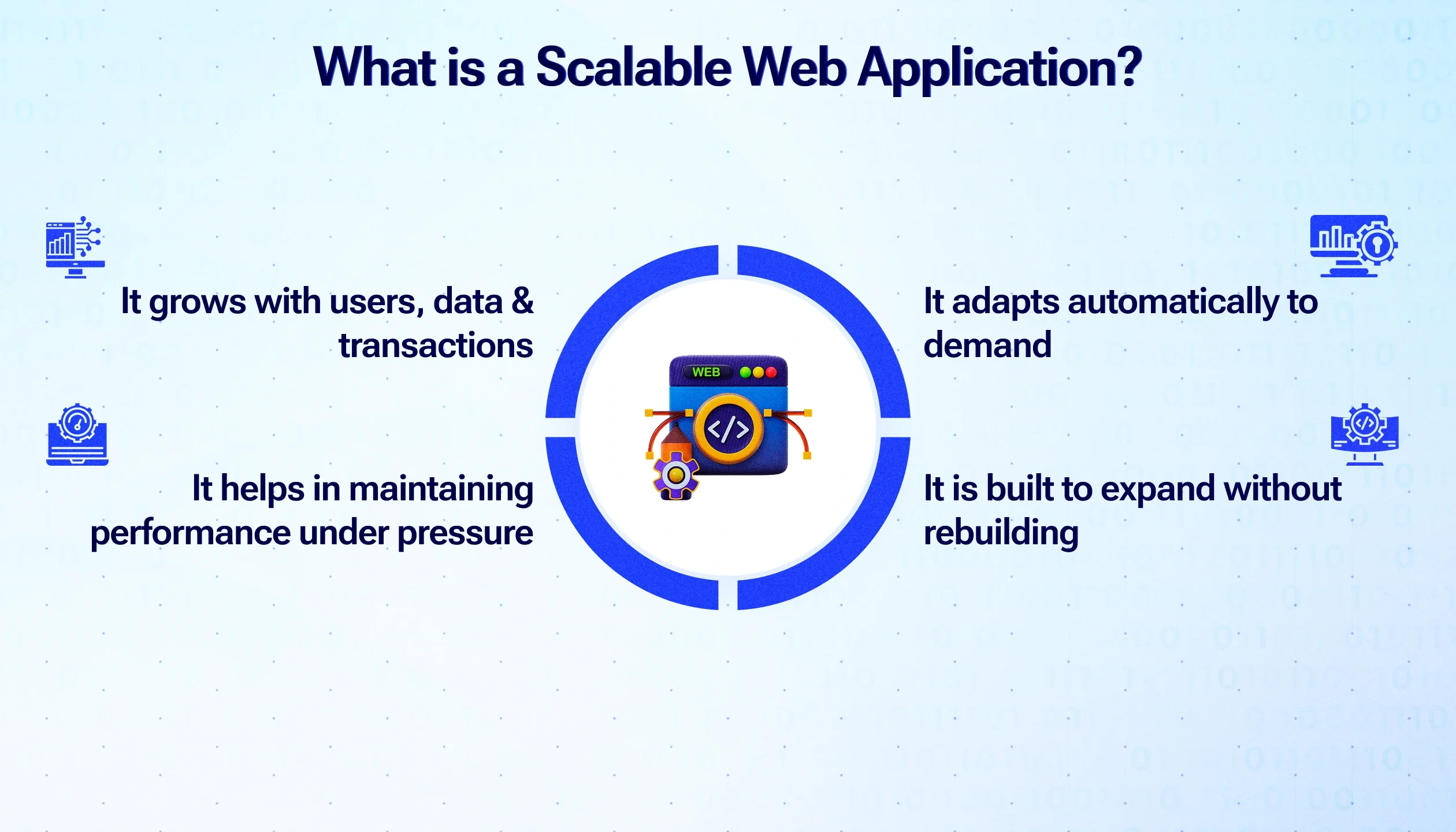
The Architecture Decisions That Actually Matter
When it comes to building for scale, most of the important decisions happen in how you structure the application - not which framework you pick or which cloud provider you use.
Stop Building Monoliths If You Plan to Grow
A monolithic application is one big block of code where everything is tangled together. It works fine when the app is small. The problem is that when one part needs to scale - say, your payment processing is getting hammered during a sale - you have to scale the entire thing, not just that piece. It's inefficient and expensive.
Microservices break your application into smaller, independent services that each do one thing well. Your payment service, your user authentication, your notifications - each runs separately and can be scaled on its own. It takes more thought upfront, but it makes everything much easier to manage as you grow.
Vertical vs Horizontal Scaling - Know the Difference
Vertical scaling means making your existing server bigger - more RAM, more CPU. It works up to a point, then hits a ceiling. There's only so powerful a single machine can get.
Horizontal scaling means adding more servers instead of upgrading one. Traffic goes up? Add more instances. Traffic drops? Scale back down. This is the approach that modern cloud infrastructure is built around, and it's what makes truly large-scale applications possible. If you're building on cloud platforms like AWS, Azure, or Google Cloud, auto-scaling handles most of this automatically once your application is set up correctly.
How Cloud Infrastructure Changes the Game
Ten years ago, scaling meant buying more physical servers, waiting weeks for them to arrive, and hoping you guessed the right amount of capacity. Today, cloud infrastructure lets you spin up new capacity in minutes and pay only for what you use.
For businesses, this changes the economics of growth significantly. You're not making big infrastructure bets upfront. You grow your infrastructure as your usage grows, which keeps costs aligned with actual revenue instead of running ahead of it.
A few cloud capabilities that directly support scalability:
Auto-scaling groups that detect traffic increases and automatically add capacity - then reduce it when things quiet down
Managed databases that handle replication and failover without manual intervention
Content Delivery Networks (CDNs) that serve your application from servers physically close to each user, reducing load times regardless of where they are in the world
Serverless functions for specific tasks that need to scale instantly without managing any infrastructure at all
Performance Optimisation: The Stuff Users Actually Feel
Scalability keeps your app standing. Performance optimisation makes it feel fast. Both matter, but performance is what your users directly experience every time they click something.
There's research showing that users start abandoning websites after just 3 seconds of load time. On mobile, the tolerance is even lower. So performance isn't a nice-to-have - it's directly tied to whether people stay or leave.
Caching: The Simplest Performance Win Most Apps Underuse
Caching means storing the result of a query or computation so you don't have to repeat it every time someone asks for the same thing. Think of it as keeping your most-used tools on the desk instead of walking to the storage room every time. For web applications, caching commonly-requested data - product listings, user profile details, reference data - can cut database load dramatically and make pages load noticeably faster.
AI-Powered Performance: Not Just a Buzzword Anymore
A few years ago, AI in web applications meant fancy recommendation engines for large enterprises. Today it's much more accessible, and some of the most practical uses are behind the scenes rather than in the interface.
Predictive scaling - AI analyzes historical traffic patterns and pre-warms your infrastructure before an anticipated spike, rather than reacting after it's already happening
Anomaly detection - automatically flagging unusual behavior like a sudden traffic pattern that doesn't match any known campaign or seasonal trend (which might be an attack rather than genuine growth)
Self-healing systems - detecting when a service is degraded and routing traffic away from it or restarting it, often before any human has noticed the issue
None of these require building a custom AI system. Most major cloud platforms offer these capabilities as managed services now.
Security Has to Scale Too - Not Just the Features
Here's something that doesn't get said enough: as your application grows, it becomes a bigger target. More users means more data. More data means more attractive to attackers. Your security posture needs to grow with the application - not stay fixed at whatever you set up in the early days.
The fundamentals that need to be in place from the start:
End-to-end encryption - data should be unreadable to anyone who shouldn't have it, whether it's being stored or moving between systems
Multi-factor authentication - a password alone isn't enough. MFA adds a second layer that stops most account takeover attempts cold
Regular security audits - not just at launch, but on an ongoing basis as the codebase changes and new vulnerabilities are discovered
Principle of least privilege - every user and every service should only have access to what it actually needs, nothing more
Security that's built into the architecture from day one is far cheaper - and far more effective - than security that gets patched in after a breach.
Practical Signs Your Current App Has a Scalability Problem
Not sure if your current application is set up to scale? These are the warning signs I see most often:
Pages slow down noticeably when more than a few hundred users are active at the same time
Your team dreads traffic spikes - promotions, press coverage, or seasonal peaks feel like threats rather than opportunities
Adding a new feature requires touching code in multiple unrelated parts of the system
Your database is the bottleneck for almost every performance issue
Deployments require taking the whole application offline, even for small changes
If any of these sound familiar, it doesn't mean you've failed - it means you've outgrown your original architecture, which is actually a sign of success. The question is whether you address it proactively or wait for a breaking point.

Build It to Last
Growth is the goal. But growth that breaks your infrastructure isn't really growth - it's a crisis with good timing.
The companies that scale well aren't the ones with the biggest budgets or the most engineers. They're the ones who made the right architectural decisions early - modular design, cloud-native infrastructure, performance built in, security treated as a foundation rather than an add-on.
If you're starting fresh, build with these principles in mind. If you're already running and starting to feel the strain, it's not too late to refactor - but the sooner the better.
At Suave Creators, this is the kind of work we do with our clients every day - helping businesses build web applications that are ready for what's next. If you want to talk through where your platform stands and what it would take to get it ready for your next stage of growth, we're happy to start that conversation.